 Miz School
Your whole school, clearly in your hands.
Academics, live classes, administration, fees and parents on one platform — set up around the way your school already works, in your school’s own name.
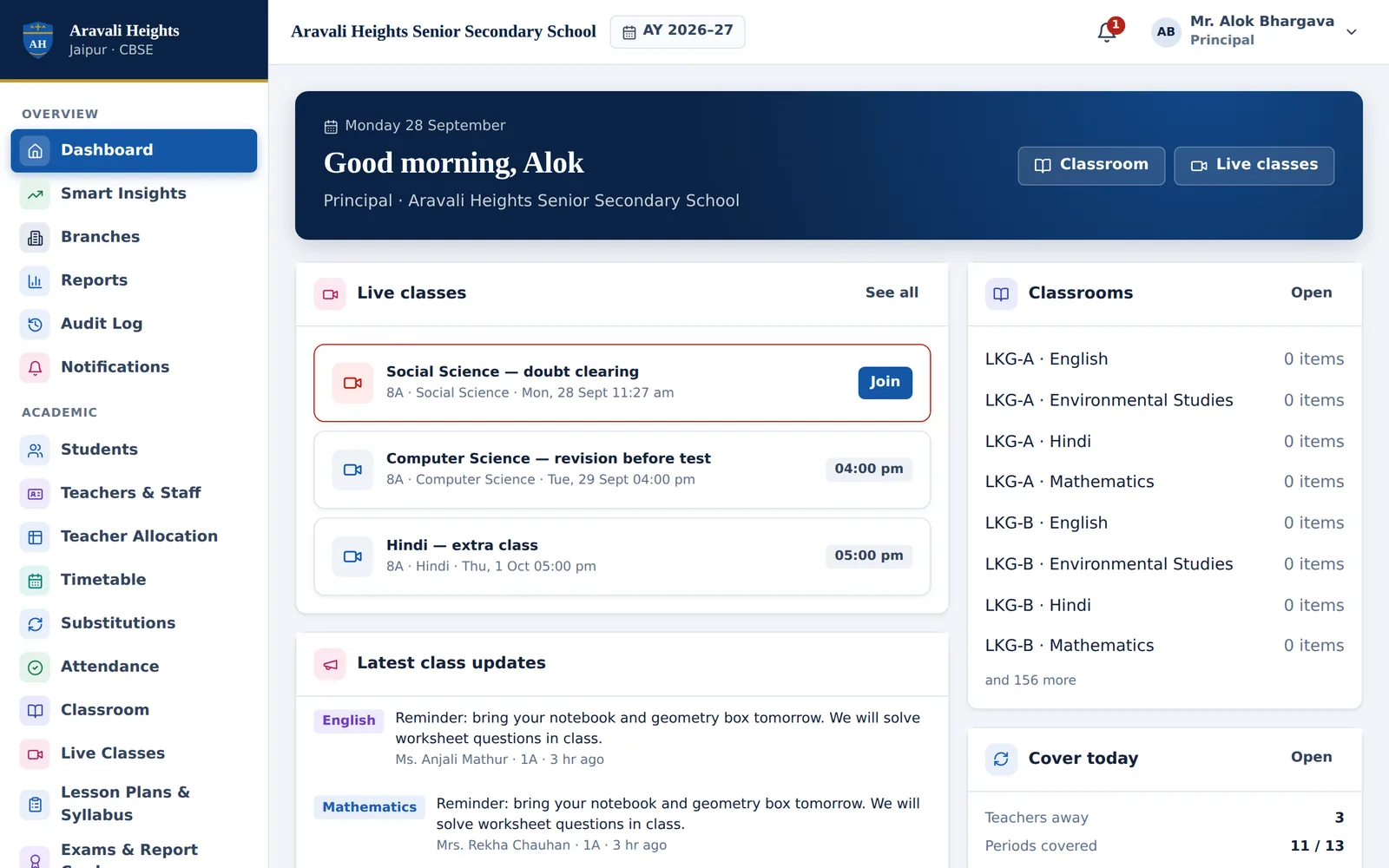
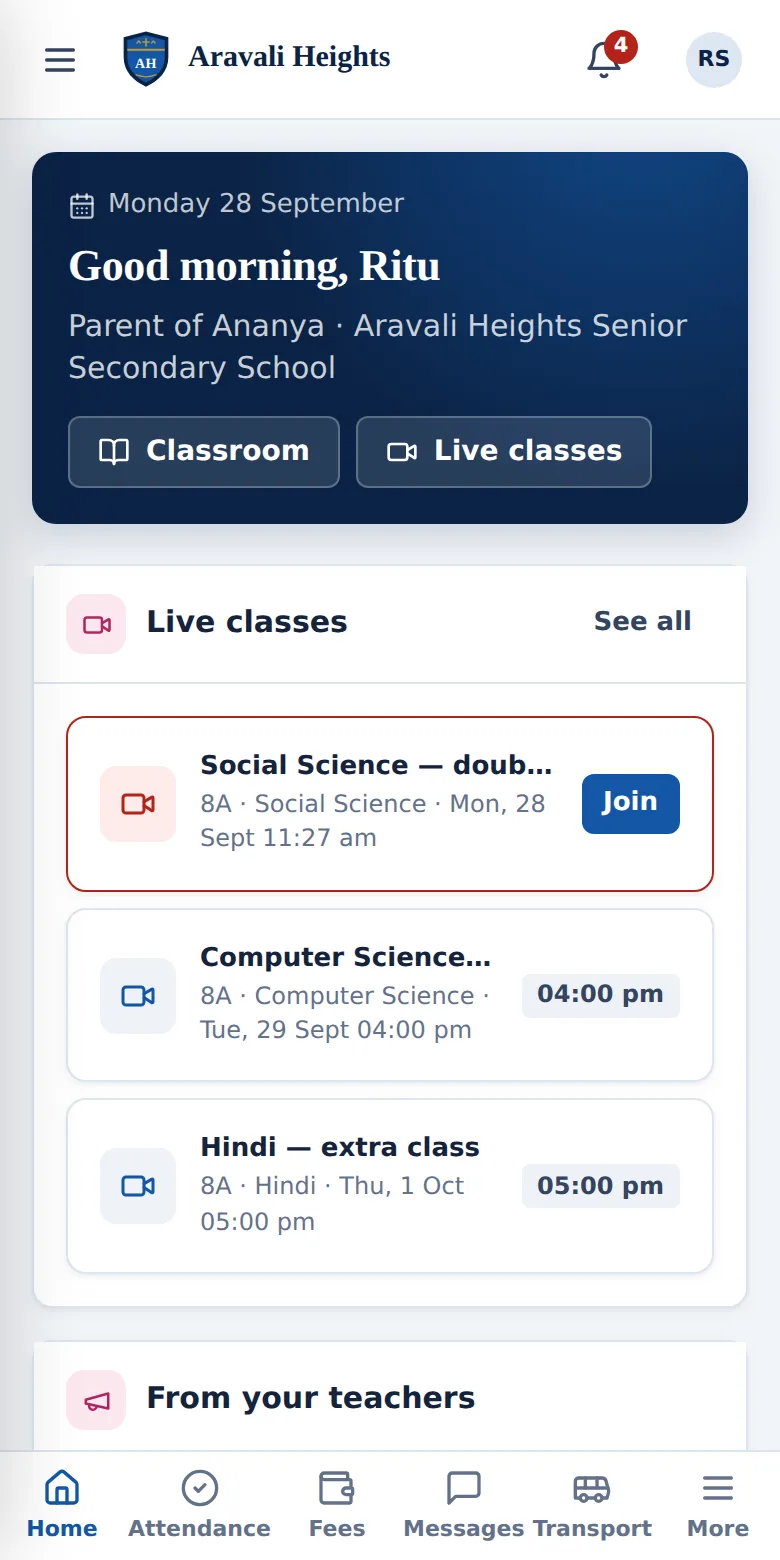

A school runs on hundreds of small things. They should all work.
Attendance before the first bell. Fees on time. A parent who knows their child reached school. A report card without a weekend of copying marks. Miz School takes care of the everyday, so leaders and teachers can spend their time on learning.
From running after information to running the school
The whole school on one screen
Attendance, fees collected and due, results, staff on leave and students who need attention — live, every morning.
Fees collected on time
Bills in one click, reminders on WhatsApp, online payment and receipts that arrive by themselves. Dues are visible by class and by family.
Parents who trust the school
One official channel: attendance alerts, homework, results, notices and a private line to the class teacher.
Teachers get their time back
Attendance in a minute, homework set once, marks entered once — report cards and registers are prepared for them.
Children safe, end to end
Bus updates stop by stop, gate check-in, and early pickup only after the parent’s one-time code is verified.
Ready for every inspection
Registers, certificates, fee records and an audit trail of every change — available in seconds, not days.
Built for every person in your school
Each role gets its own screens. Nobody sees more than their work needs.
Know which students need you — this week
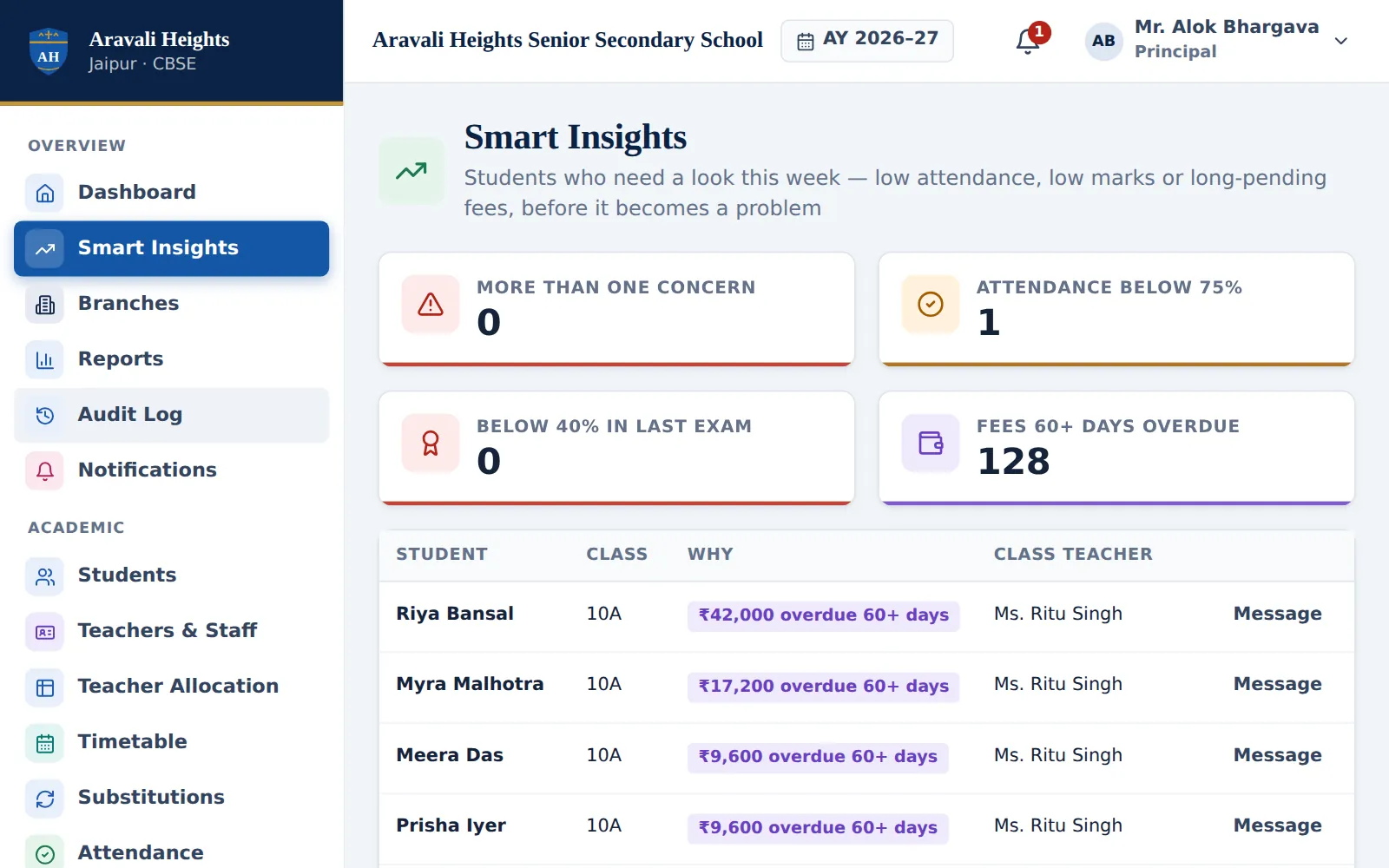
Smart insights bring together attendance, marks and dues, so the students who are slipping are flagged before it becomes a problem.
- Low attendance, falling marks and long-pending fees
- Class teacher one tap away
- School, branch and class views
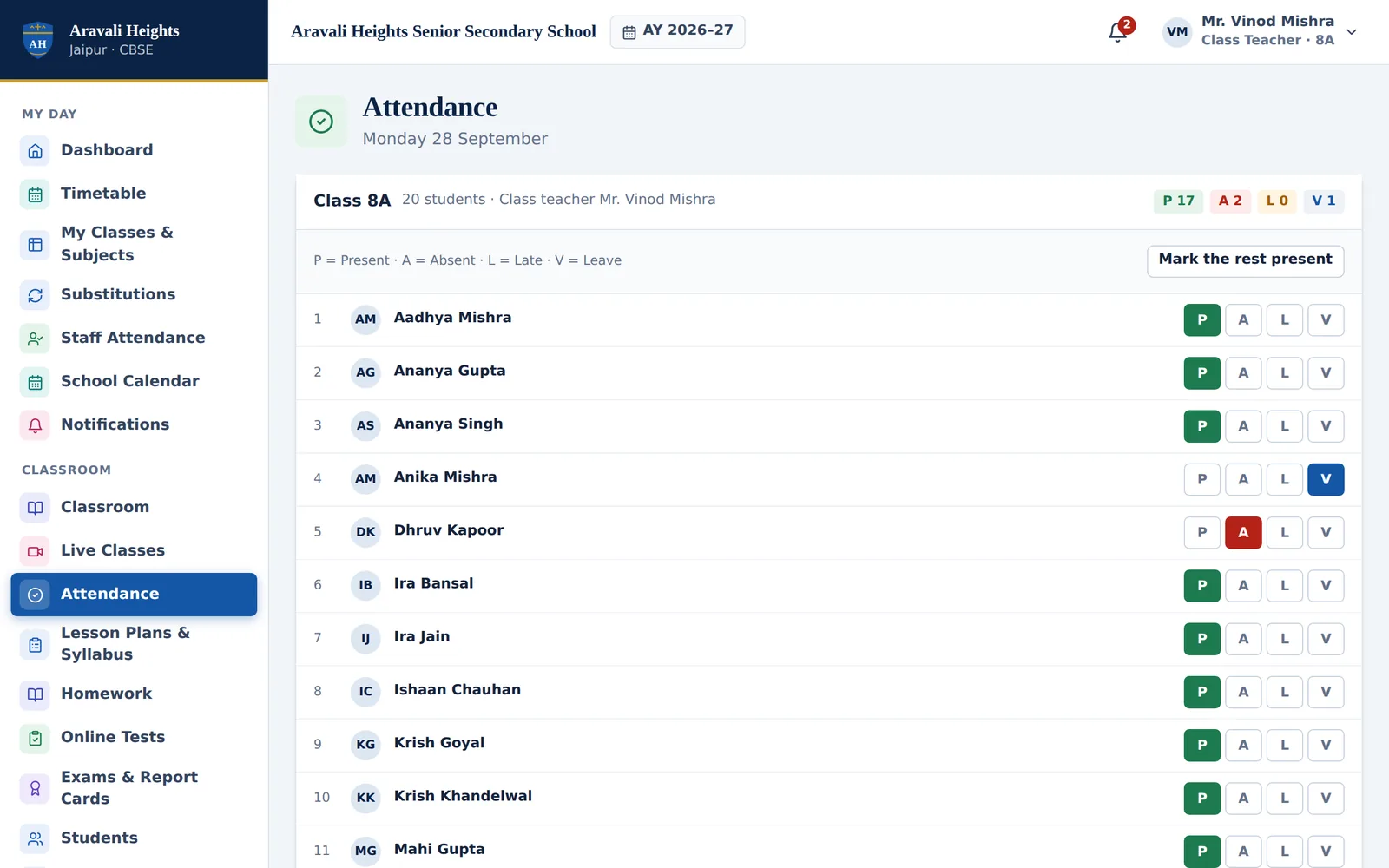
Attendance in under a minute
Tap “Mark the rest present”, change the few who are away, and save. Parents of absent children are told at once.
- Present, absent, late and leave
- Absent alerts to parents automatically
- Class and school-wide reports
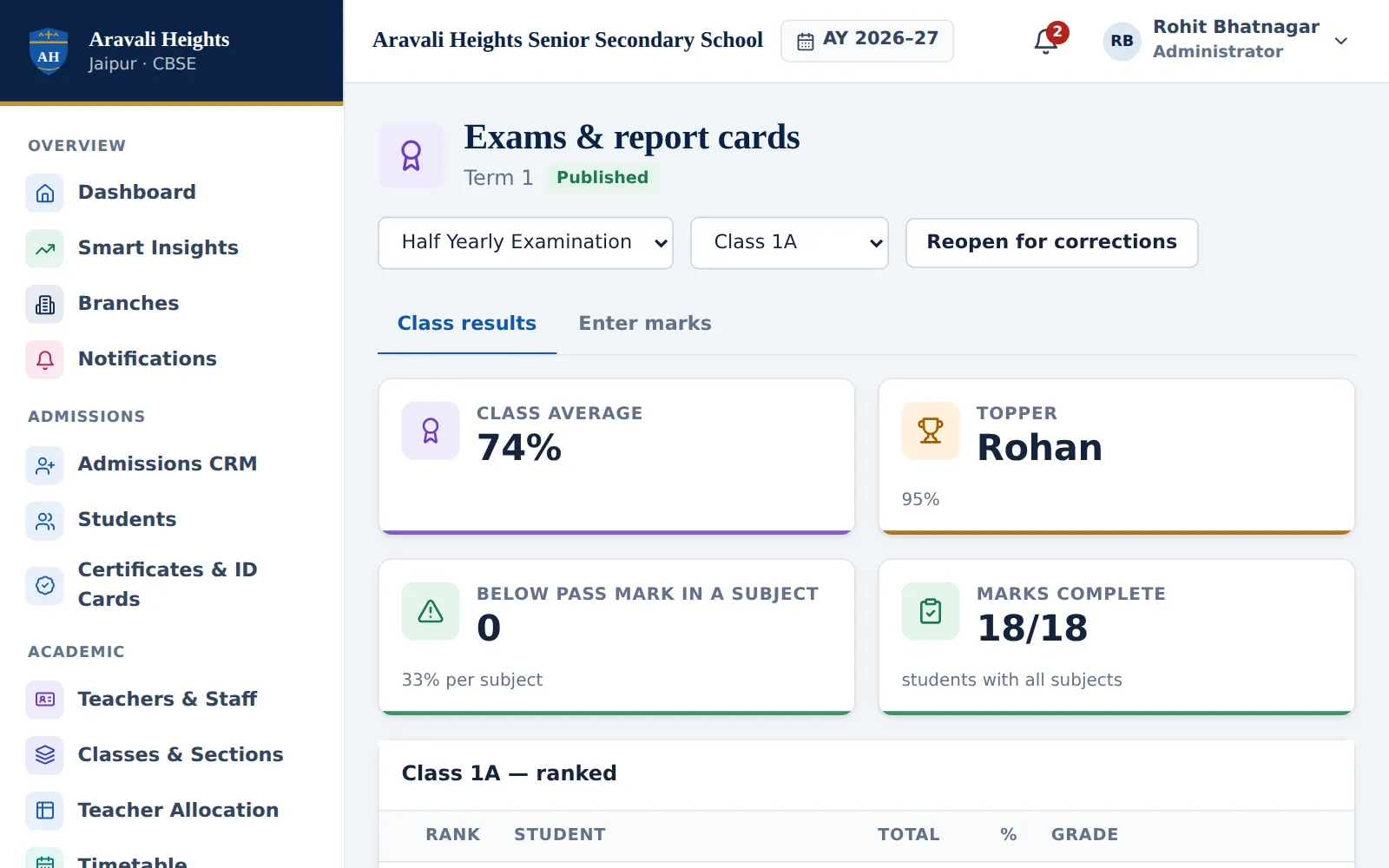
Report cards without the weekend
Teachers enter marks once. Grades, ranks, class averages and printable report cards are worked out for every stage and board pattern.
- Term, unit and periodic tests
- Subject and class analysis
- Published to parents when you say so
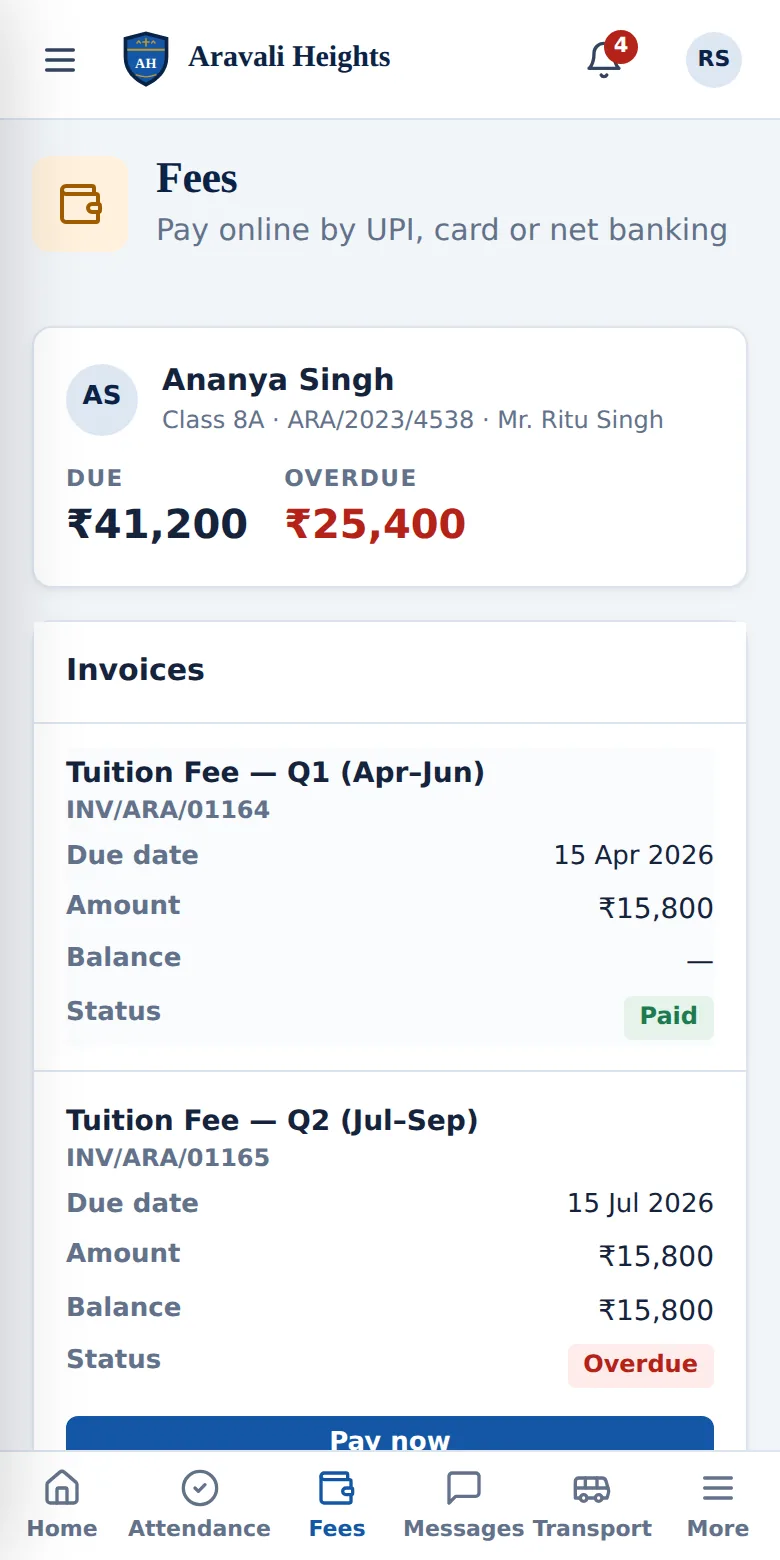
Everything about their child, on their phone
Attendance, homework, results, fees, the school bus and a private line to teachers — in any phone browser, or as an app.
- Pay fees online and get the receipt
- Bus updates and OTP pickup
- Works on Android and iPhone
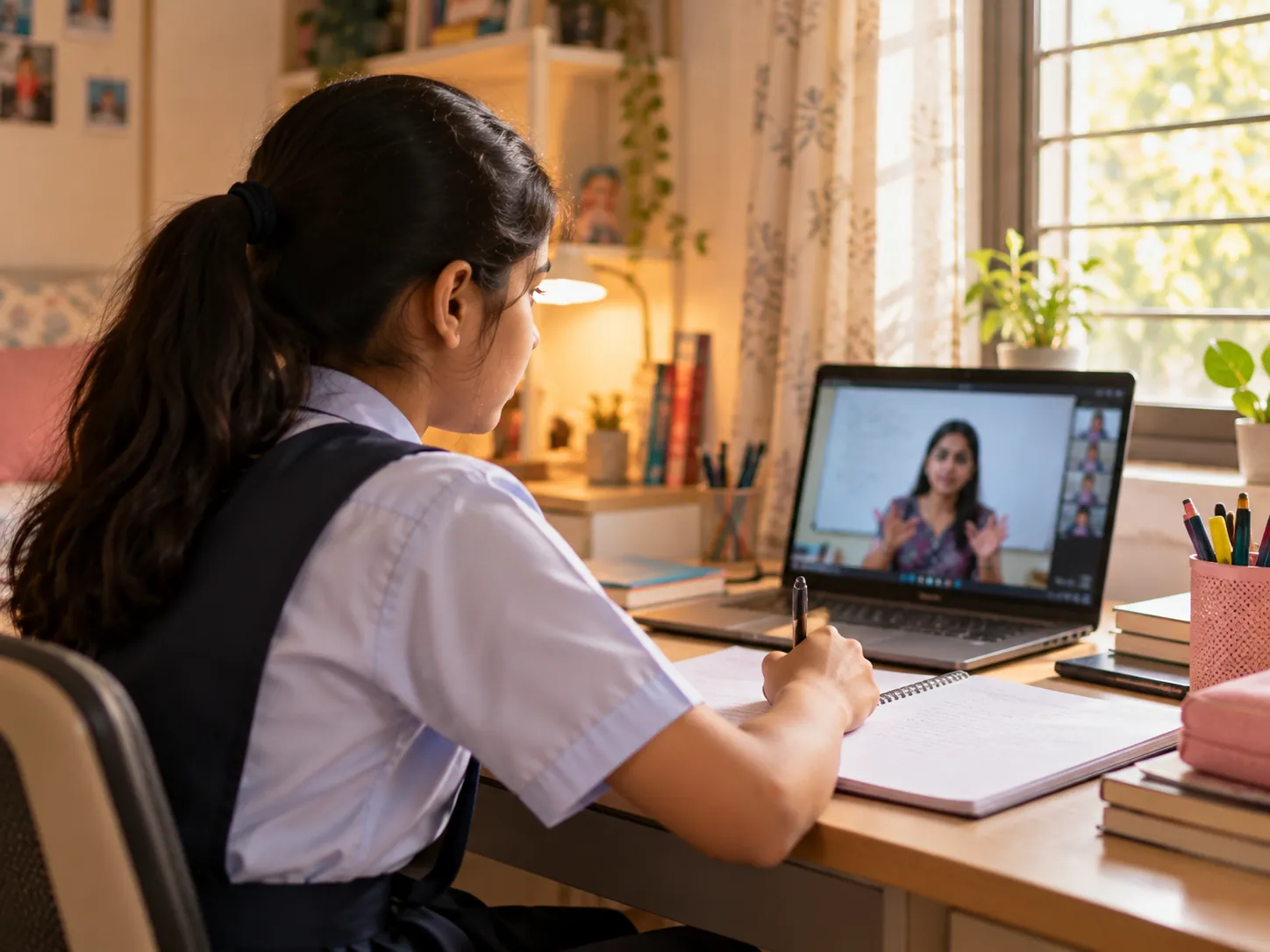
Teach live, from inside your school app
No outside meeting links to share, no strangers in the room. Teachers schedule a class, students join with one tap from their timetable, and attendance takes itself.
- HD video and clear sound, with background noise reduced
- Screen sharing, class chat and raise hand
- Only the students of that class can join
- Attendance recorded on joining — download it in one click
- Students and parents get a reminder before every class
- Works on laptops, tablets and phones
 Ms. Kavita Sharma · Teacher
Your school gets exactly what it needs
No two schools run the same way. Every school starts with the core school app; we then switch on only the modules your school uses — and leave out the rest, so screens stay simple and you never pay for what you don’t use. Add more whenever you are ready; your data stays.

For teachers
Less paperwork, more teaching. Attendance, homework and marks take minutes, not evenings.

For parents
Peace of mind. They know their child reached school, what was taught and what is due — from the school itself.
Your school’s data, treated with care
Student records, marks and money deserve more than a password. How we protect them →
Each school sealed off
Every school’s records are kept apart by rules inside the database itself — not just by the screens.
People see only their part
A teacher sees their classes, a parent only their own children, the accountant only accounts.
Every change on record
Marks, fees, access and settings changes are written to an audit log with who and when.
Safe sign-in
Each person signs in with their own password or a one-time WhatsApp code — passwords are stored scrambled, and nobody can read them.
Live in days, with us beside you
No long project. Our team does the setup with your office and trains your staff.
A walkthrough
We understand how your school runs and agree the modules you need.
Your brand, your data
Your name, crest and colours. Students, staff, classes and fees come in from one Excel file.
Staff training
Short sessions for the office, teachers and accounts — on the screens they will use.
Parents join
Parents sign in with their email or a WhatsApp code. No app store needed.
Questions school leaders ask us
Is Miz School for small schools or large ones?
Both. A school with one campus and a group of schools under a trust use the same platform — the difference is only which modules are switched on and how many campuses are connected.
Does it work for government schools?
Yes. Government, aided and private schools all run attendance, academics, records and parent communication on Miz School. Modules such as online fee payment can simply be left off where they are not needed.
Which boards and curricula are supported?
CBSE, ICSE/ISC, state boards, IB and Cambridge — from pre-primary to Class 12, with streams for senior classes. Grading and terms follow your board’s pattern.
Can schools outside India use it?
Yes. Miz School runs in any web browser and on Android and iPhone. Talk to us about your country’s payment methods and messaging so we set it up correctly.
Do we pay for modules we don’t use?
No. Your school gets the core app plus only the modules you ask for. You can add more later; nothing is lost.
How do we move from our current software or registers?
Export your students and staff to Excel (most software can) and we bring in the one file. Miz School checks every row and sets up classes, staff, students, fees and transport.
Who owns the data?
Your school does. You can download your records at any time. See Trust & security and our Privacy Policy.
See your school on Miz School
A 30-minute walkthrough with your own classes, fee heads and timetable — then a plan that covers only what your school needs.