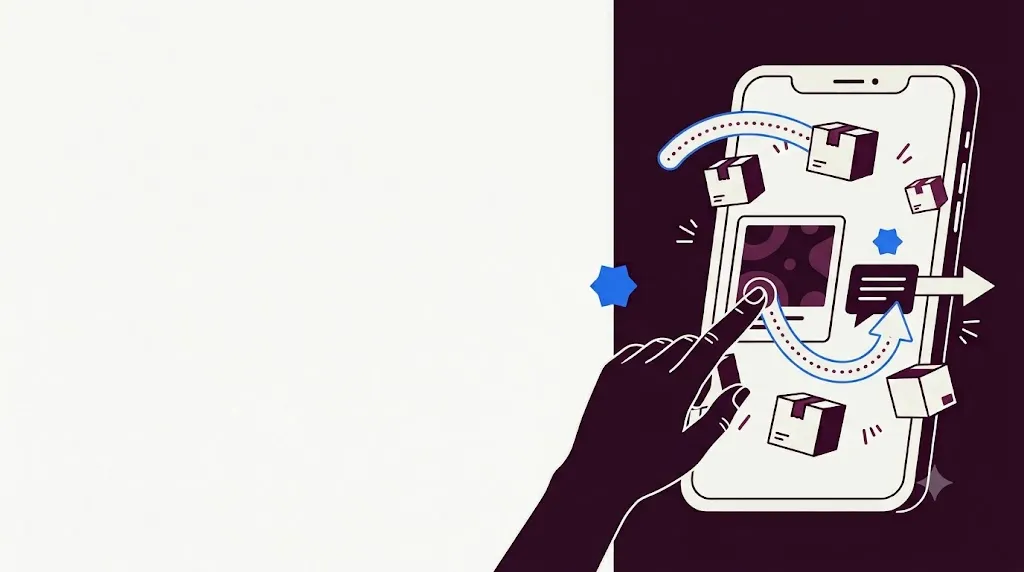
A Click-to-WhatsApp ad is a normal Facebook or Instagram ad whose button opens a WhatsApp chat with your business instead of a website. For products that need a question answered before purchase — fashion sizing, furniture delivery, coaching, real estate, clinics — a chat often converts better than a landing page.
How it works
- A person sees your ad and taps Send message.
- WhatsApp opens with a greeting you wrote and, optionally, a few quick questions they can tap.
- Their first message reaches your number with a hidden referral: the ad ID, headline and a click ID.
- You reply, qualify, and sell inside the chat.
WhatsApp inbox, campaigns, journeys and deep analytics that turn one-time buyers into loyal customers.
Start free See the demoSet it up in Meta Ads Manager
- Link your WhatsApp number to your Facebook Page (Page settings → Linked accounts → WhatsApp).
- Create a campaign. Choose Engagement (or Sales) and pick Messaging apps → WhatsApp as the conversion location.
- Set audience, placements and budget as usual.
- In the ad, write a greeting and add 2–4 quick questions such as "What are the prices?", "Do you deliver to my city?".
- Publish and let Meta review the ad.
What it costs
You pay Meta for the ad as usual. On the messaging side, Meta's free entry point window applies: when someone messages you from a Click-to-WhatsApp ad and you reply within 24 hours, messages you send over the next 72 hours are free. After that, normal WhatsApp Business Platform pricing applies. Pricing changes from time to time, so confirm on Meta's pricing page before planning budgets.
Reply in seconds, not hours
Ad clicks go cold fast. Automate the first response:
- Auto-reply to the quick questions with prices, catalogue links or a short form.
- Assign the chat to a sales person by language, city or product.
- Follow up automatically if the person goes quiet for a day.
In MizUp CLM, a journey triggered by "Customer messaged from a Click-to-WhatsApp ad" does all three.
Track sales back to each ad
Ads Manager shows conversations started. It doesn't show which of those people paid you. To close the loop:
- Store the referral that arrives with the first message.
- Stamp the contact with the ad ID and headline.
- Count deals and payments from those contacts.
MizUp's WhatsApp Ads report does this automatically — chats, contacts, deals and payments collected per ad — and WhatsApp payment links let you close the sale inside the same chat.
Ideas that work
- Catalogue ads for small ranges: show 3–5 products and ask which one they like.
- Consultation ads for services: "Book a free 10-minute call on WhatsApp."
- Local delivery ads with a city filter and delivery time in the greeting.
- Retargeting people who visited your website but didn't buy.
Mistakes to avoid
- Sending ad traffic to a personal phone that nobody monitors.
- Asking for too much information before giving any value.
- Judging ads only by cost per conversation instead of revenue.
Want a quick way to test demand before running ads? Create a free WhatsApp link with QR code and add it to your bio and posts.
Frequently asked questions
Do Click-to-WhatsApp ads need the WhatsApp Business API?
No — you can run them with the WhatsApp Business app. The API is what lets you reply instantly with automation, route chats to a team and track which ad produced each sale.
Are messages after a Click-to-WhatsApp ad free?
Meta opens a free entry point window: if you reply within 24 hours to someone who messaged you from the ad, messages you send in the next 72 hours are not charged. Always check Meta’s current pricing page for your market.
Which campaign objective should I choose?
Engagement with WhatsApp as the conversion location is the usual starting point. Sales objectives can work once you send purchase events back to Meta.
How do I track which ad made a sale?
When a person taps the ad, WhatsApp attaches a referral with the ad ID and headline to their first message. A tool that stores this referral can connect the ad to the lead, deal and payment.